
| User Role | Access |
| Administrator | ✅ |
| Customizer who can invite | ✅ |
| Customizer | ✅ |
You can switch between Projects that are enabled per your Customization Set in the main Settings menu.
To do so:
- Select the Menu button in the upper right corner of your Set
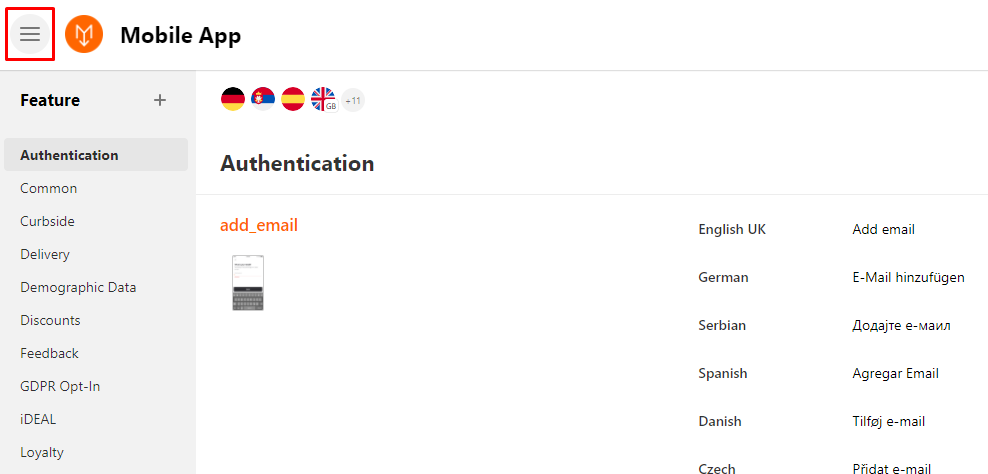
- Select one Project (e.g. Mobile App)
- Sidebar appears
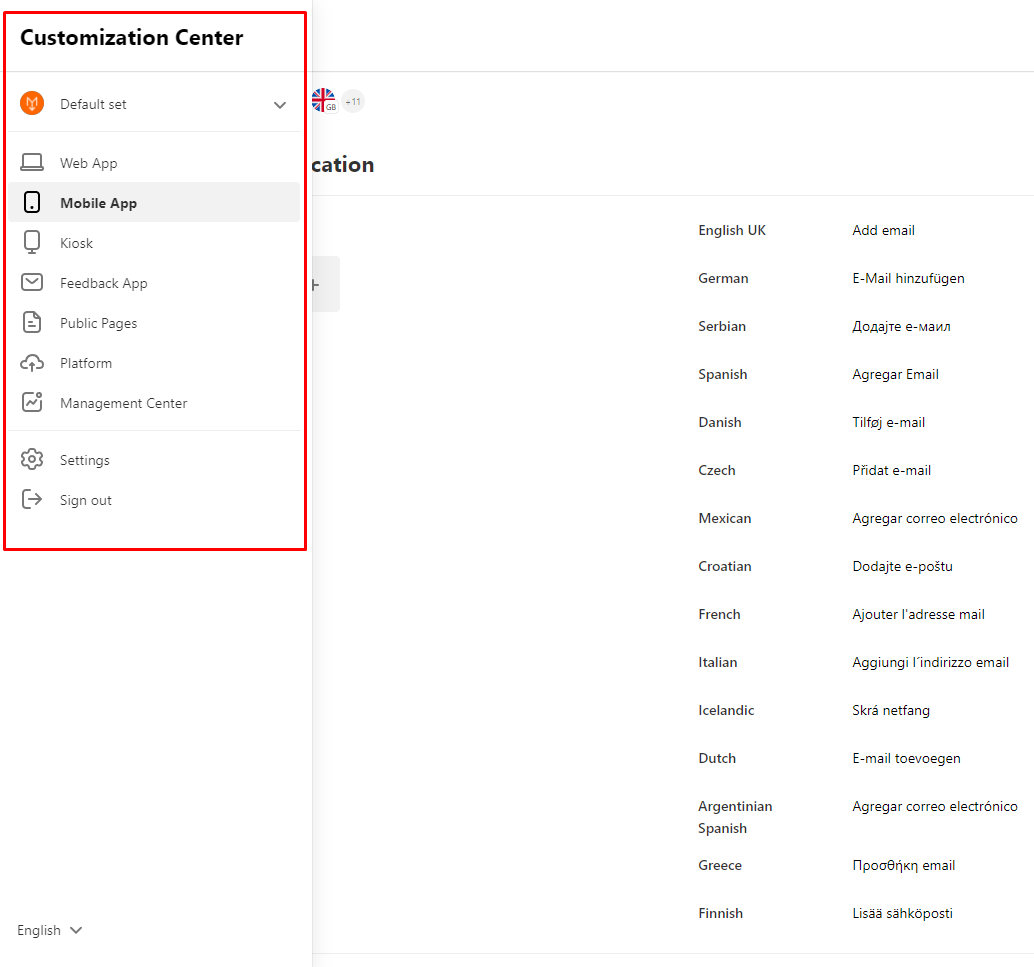
- Switch between enabled Projects in the sidebar menu
Comments
0 comments
Please sign in to leave a comment.